手机扫一扫访问本页内容
微信扫描点右上角"···"分享到好友或朋友圈
关闭微信扫一扫可打开小程序
微信长按图片或搜“分享录”可打开小程序
关闭所有网站仅收藏以便访问,如有不当之处请联系删除!以下排名不分先后!也欢迎大家留言推荐更多好网站。
政府机构
中国政府网: http://www.gov.cn
工信部网站:http://www.miit.gov.cn
国家企业信息信用公示系统: http://www.gsxt.gov.cn
全国个人诚信公共服务平台: http://www.11-22.cn
全国公民身份证号码查询服务中心: http://www.nciic.com.cn
中国庭审公开网: http://tingshen.court.gov.cn
中国裁判文书网: http://wenshu.court.gov.cn
中国公共招聘网: http://www.cjob.gov.cn
广东政务服务网: http://www.gdzwfw.gov.cn
广东省教育考试院: http://eea.gd.gov.cn
广东人事考试网:http://rsks.gd.gov.cn
广州市人力资源及社会保障局网上办事系统:http://gzlss.hrssgz.gov.cn
广州来穗人员服务管理局网站:http://lsj.gz.gov.cn
广州市来穗人员积分服务平台:https://djf.lsj.gz.gov.cn/bjfpublic/proxy/skin_1/index
学信网: https://www.chsi.com.cn
中国及多国专利审查信息查询: http://cpquery.cnipa.gov.cn
中国计算机技术职业资格网: http://www.ruankao.org.cn
中国版权保护中心:http://www.ccopyright.com.cn
开发相关
Apache软件基金会(Apache Software Foundation,简称为ASF): http://www.apache.org
Docker Hub: https://hub.docker.com
Google Developers 中国网站: https://developers.google.cn
Oracle: https://www.oracle.com
Java:https://www.java.com
Spring: https://spring.io
Nginx:http://nginx.org
Tomcat:http://tomcat.apache.org
MySQL: https://www.mysql.com
MongoDB: https://www.mongodb.com
Redis:https://redis.io
Maven:https://maven.apache.org
MyBatis:https://mybatis.org
Hibernate: http://hibernate.org
Struts: https://struts.apache.org
Jetbrains:https://www.jetbrains.com/products.html
Eclipse: https://www.eclipse.org
Genuitec:https://www.genuitec.com
Gradle:https://gradle.org
Subversion:http://subversion.apache.org
Git:https://git-scm.com
TortoiseSVN:https://tortoisesvn.net
jQuery: https://jquery.com
Node.js:https://nodejs.org
AngularJS: https://angularjs.org
Vue:https://vuejs.org
Bootstrap:https://getbootstrap.com
Font Awesome:https://fontawesome.com/
Font Awesome中文网:http://www.fontawesome.com.cn
代码托管
GitHub:https://github.com
博客论坛
CSDN:https://www.csdn.net
博客源:https://www.cnblogs.com
ITeye: https://www.iteye.com
OSChina:https://www.oschina.net
Discuz:https://www.discuz.net
远景论坛: http://www.pcbeta.com
IT之家: https://www.ithome.com
资源下载
便携软件: https://portableapps.com
I Tell You: http://msdn.itellyou.cn
电驴大全: http://www.verycd.com
Chrome商店Crx离线安装包下载:http://yurl.sinaapp.com/crx.php
工具
站长工具: http://tool.chinaz.com
在线工具:https://tool.lu
JSRun:http://jsrun.net
临时邮箱:https://www.linshiyouxiang.net
地址生成:https://www.dizhishengcheng.com
查看IP地址:https://whatismyipaddress.com
其他
查看苹果服务器状态:https://www.apple.com.cn/cn/support/systemstatus
直播中国:http://livechina.cctv.com/index.shtml

 扫码打开小程序可评论文章保存图片,在“我的”有实时在线客服哦,看效果?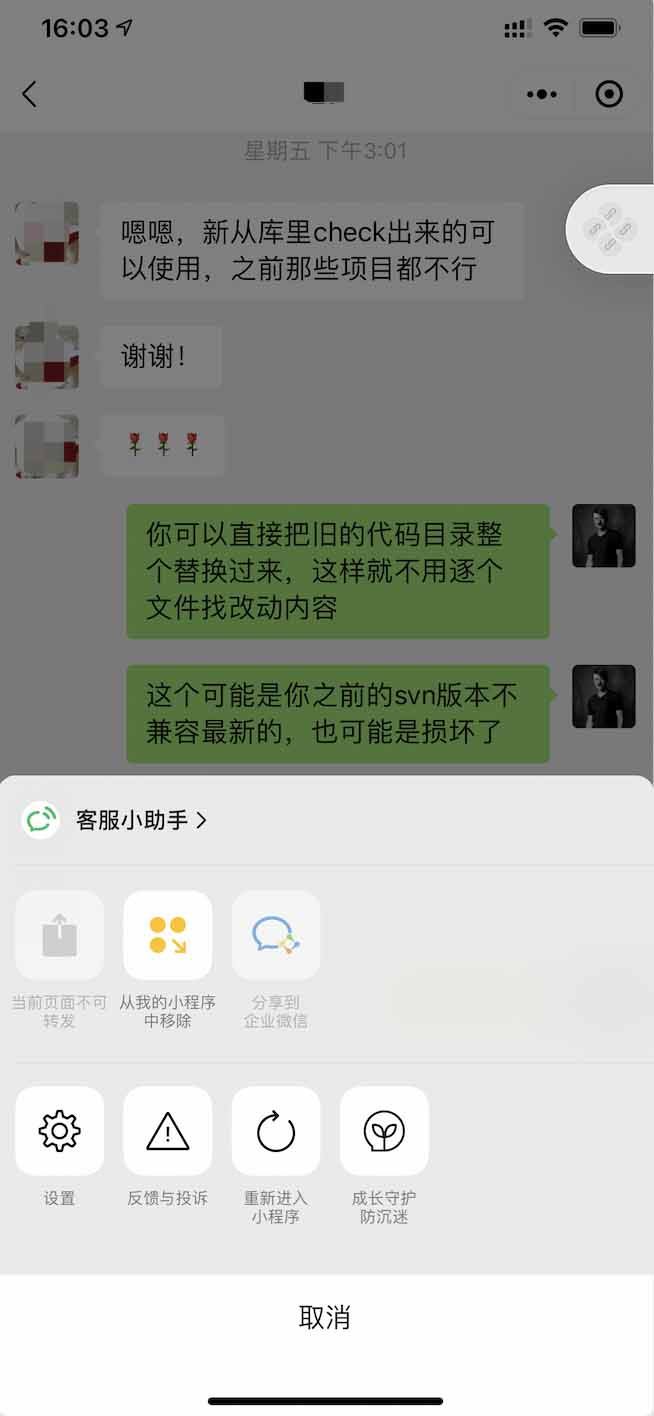
 关注我的公众号为您分享各类有用信息
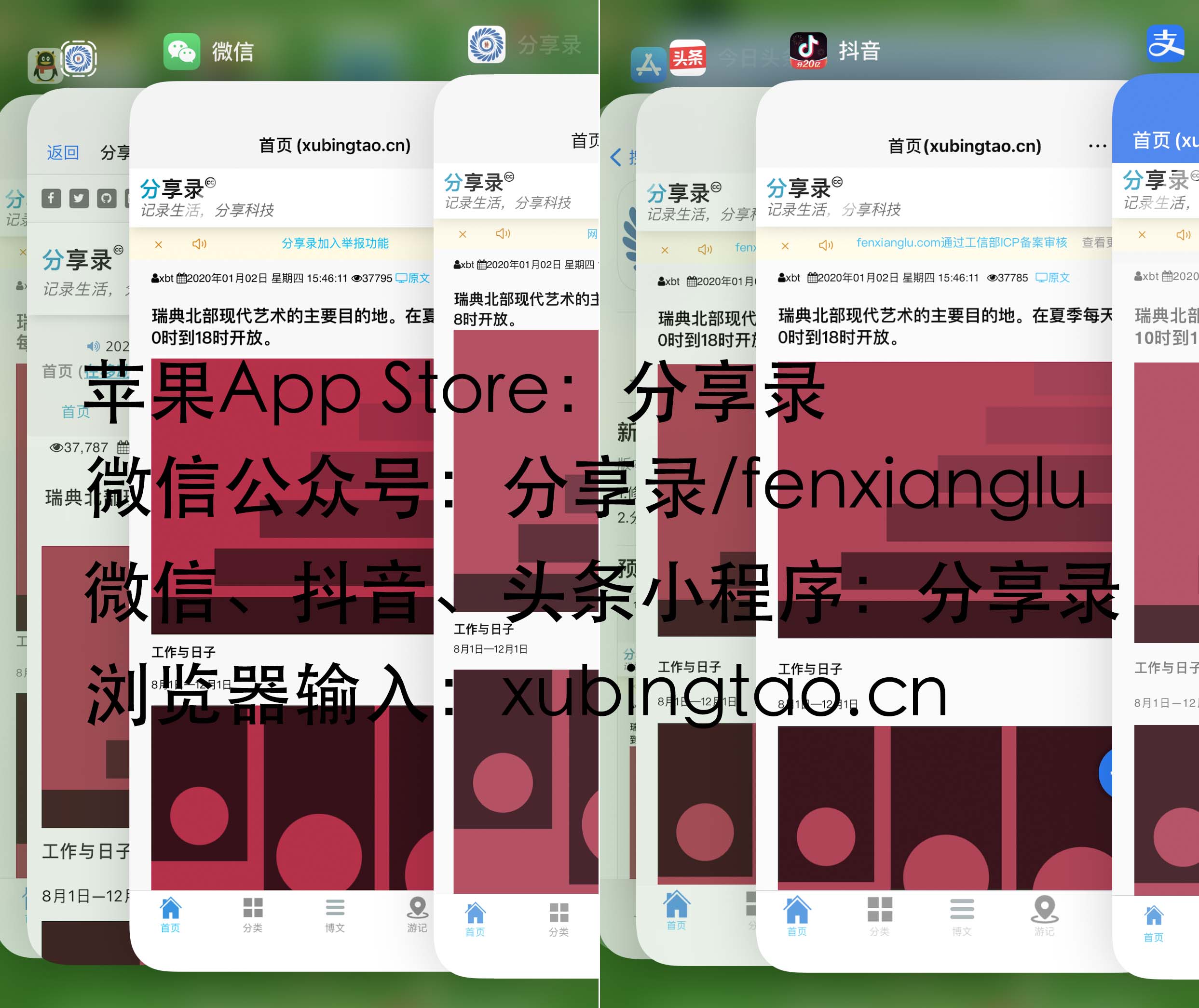 分享录多端跨平台系统
 粤公网安备 44011202001306号
Sparkdex tutorial step by step. If you’re looking to learn how to use Sparkdex, you’ve come to the right place. In this step-by-step tutorial, we’ll walk you through the process of using Sparkdex to track and manage your cryptocurrency portfolio. Step 1: Sign up for an account The first step to using Sparkdex is to sign up for an account. Simply visit the Sparkdex website and click on the “Sign Up” button. You’ll be asked to provide some basic information, https://sparkdex.financial such as your name, email address, and a password. Once you’ve completed the sign-up process, you’ll be ready to start using Sparkdex. Step 2: Add your cryptocurrencies Once you’ve created an account, the next step is to add your cryptocurrencies to your portfolio. To do this, click on the “Add Coin” button and search for the cryptocurrency you’d like to add. Once you’ve found the cryptocurrency, click on the “Add” button to add it to your portfolio. Step 3: Track your portfolio Now that you’ve added your cryptocurrencies to your portfolio, it’s time to start tracking them. Sparkdex provides real-time updates on the value of your portfolio, so you can see how your investments are performing at a glance. You can also set up alerts to notify you when the value of a specific cryptocurrency reaches a certain threshold. Step 4: Make trades If you’d like to buy or sell cryptocurrencies, you can do so directly through Sparkdex. Simply click on the “Trade” button, select the cryptocurrency you’d like to trade, and enter the amount you’d like to buy or sell. Sparkdex will then execute the trade on your behalf, allowing you to easily manage your portfolio. Step 5: Stay informed To make informed decisions about your cryptocurrency investments, it’s important to stay informed about the latest news and trends in the market. Sparkdex provides a news feed that aggregates the latest headlines from leading cryptocurrency news sources, so you can stay up-to-date on the latest developments in the industry. Step 6: Review your portfolio Periodically review your portfolio to assess the performance of your investments. Sparkdex provides detailed analytics that allow you to track the performance of each cryptocurrency in your portfolio over time. Use this information to make informed decisions about buying, selling, or holding your investments. Step 7: Secure your account Finally, it’s important to secure your Sparkdex account to protect your investments. Enable two-factor authentication, use a strong password, and avoid sharing your login credentials with anyone else. By taking these steps, you can help ensure that your investments remain safe and secure. In conclusion, Sparkdex is a powerful tool for tracking and managing your cryptocurrency portfolio. By following this step-by-step tutorial, you can learn how to use Sparkdex to make informed decisions about your investments and stay on top of the latest trends in the market. Sign up for an account today and start managing your cryptocurrency portfolio with ease.